Cmd+k Navigation
Users averaged 3 minutes to navigate the product. Designed a keyboard-first search navigation to fix it.
Role
Product Designer & UX Researcher
Team
1 Product Designer, 30 Engineers, 2 Product Managers
Tools
Figma
The Problem
A 20-year-old navigation that users couldn't navigate
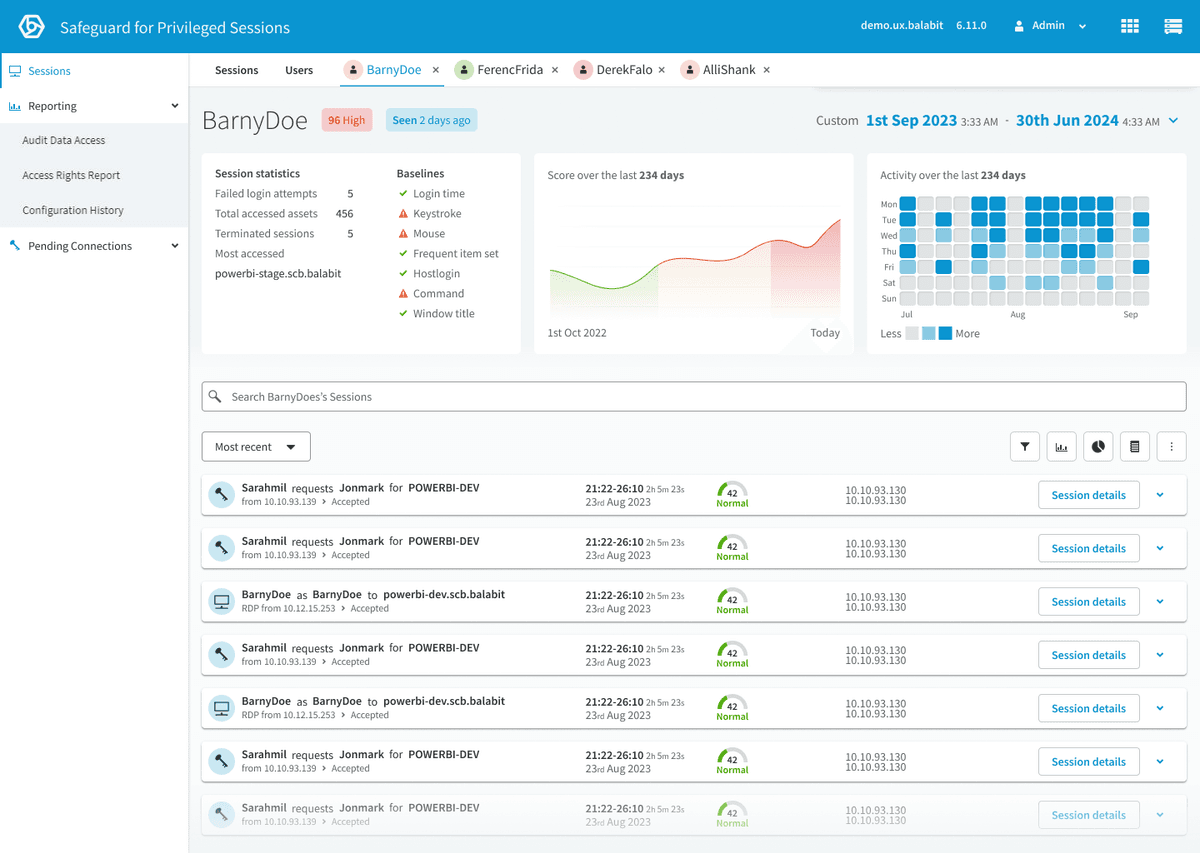
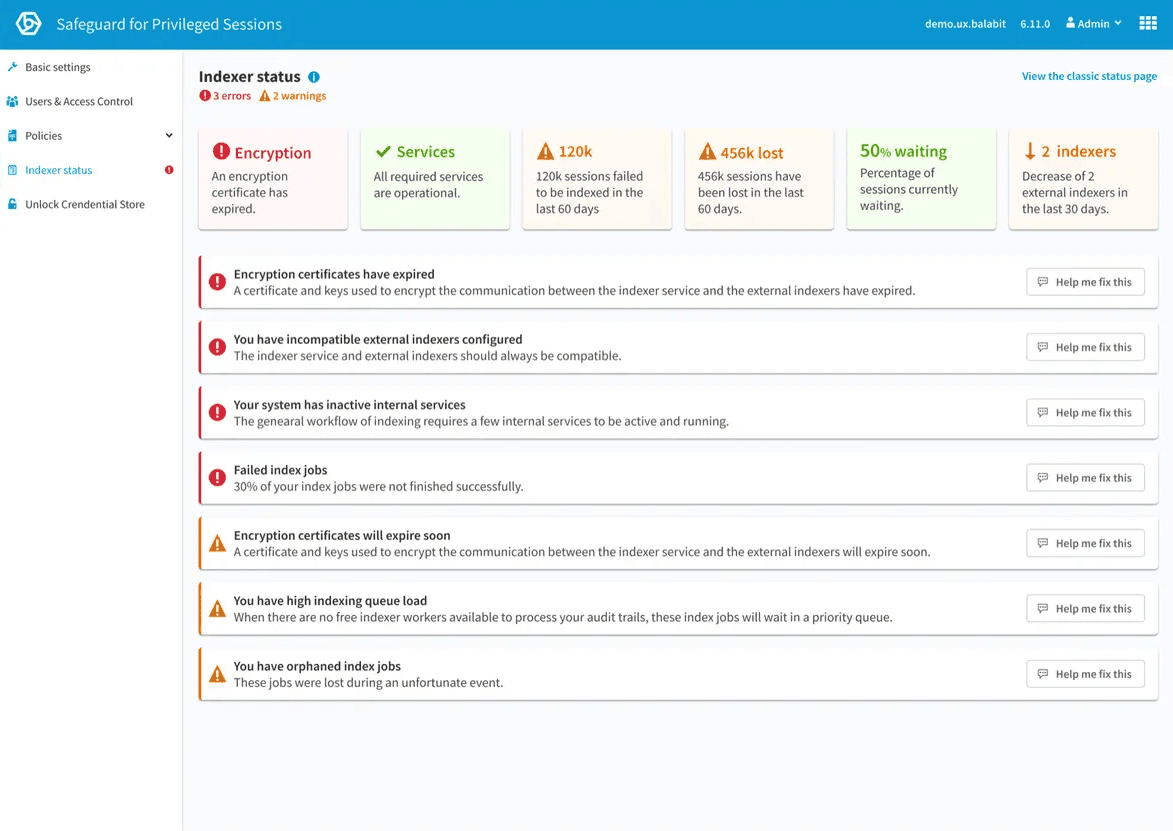
Safeguard for Privileged Sessions is over twenty years old. The original product was acquired in 2018, and years of adding features on enterprise customer request had gradually degraded the navigation experience.
During usability studies, I observed that participants typically looked for a specific word or phrase when navigating — if the exact wording wasn't used, they had to guess and scan the navigation.
3 min
average time to navigate to a page
Across three usability studies that required navigation
Problem Statements
Two user groups, one shared frustration
Find the product navigation overly complex and can't find what they're looking for.
Wasted time, frustration, and friction when onboarding.
Side navigation requires too many clicks and is slow and frustrating.
Higher probability of mistakes, security incidents, and the need for support intervention.
Design Principles
Four principles for the solution
Fast and efficient
Get users where they need to be instantly.
Simple and minimal
No visual noise, no unnecessary elements.
Low cognitive load
No scanning, no guessing categories.
Keyboard-first design
Power users and accessibility in one pattern.
How Might We
Increase user efficiency and reduce navigation time so users onboard faster and make fewer mistakes?
The Solution
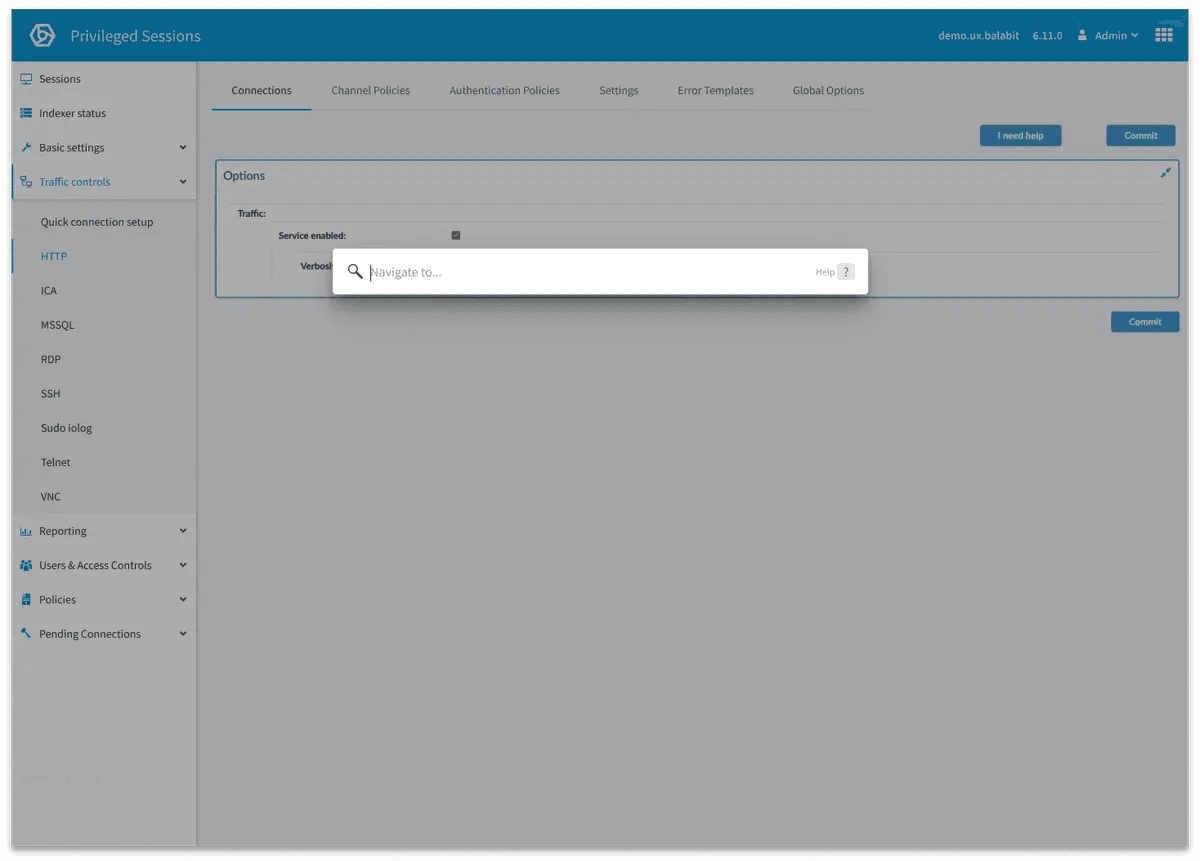
Cmd+k search navigation
A keyboard-first search navigation that lets users type what they're looking for and get there immediately — no scanning menus, no guessing categories, no clicking through nested pages.
The Outcome
One design that proved the pattern for the entire product suite
10 sec
average navigation time — down from 3 minutes
During usability testing across three studies that required navigation
Navigation time reduced from 3 minutes to under 10 seconds
During usability testing — a 18x improvement in task completion speed
Requested by customers for rollout across 4 additional products
After initial release, customers asked for Cmd+K across One Identity's full product suite
A single design piece that started as a solution for one product's 20-year-old navigation became a validated pattern for the entire suite — reducing navigation friction, improving onboarding, and giving users a consistent experience regardless of which One Identity product they're using.